





Reading the network…
- Campaigns
- —
- Adverts ready
- —
- Exchange listings
- —
- Registered screens
- —
The hub, laid out like a broadcast schedule
Every part of running a station or a community has a slot. Radio, TV, the community noticeboard and the ad desk sit on one grid, so nothing runs on a spreadsheet or a WhatsApp thread.
Radio
Live status and stream details
Listener requests and shout-outs
Station page and schedule
TV
Display slots on screens
Programme guide (EPG) feeds
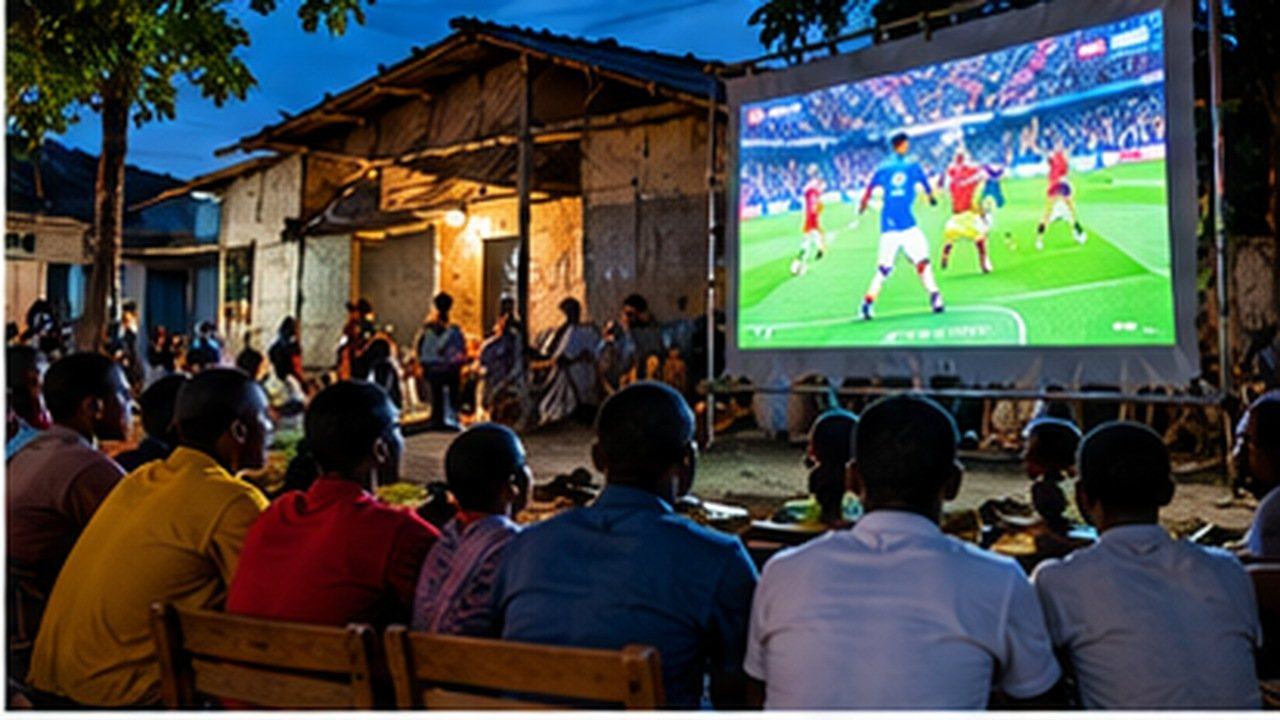
Hotel, church and community screens
Community hub
Bulletins and announcements
Rooms for unions, groups and campuses
Noticeboard
Ad desk
Campaigns
Field agents and proof
Credits and payouts
An exchange for airtime, screens and field work
Stations list what they can sell. Advertisers, churches, businesses and public bodies buy it, and agents carry it out. Prices, delivery and proof stay in one record.
- Radio airtime
- Spots, live reads, sponsorships and programme placements on community and online radio.
- TV display slots
- Time on linear TV, streaming channels and screens in hotels, churches and public places.
- Flyers and posters
- Agents who distribute printed material in a town or campus and report back with photos.
- Church and community announcements
- Notices read out or posted to the groups that listen for them.
- Promotions and credits
- Offers that stations and advertisers run, paid for and redeemed in network credits.
- Schedules for other apps
- Programme data published in EPG and RadioDNS formats for players and TVs.
How a campaign moves
- 1
Sign in
One account for stations, advertisers and agents: email and password, Google or Unity.
- 2
Coordinate
Create a campaign, choose channels and slots, and hand field work to agents.
- 3
Prove it ran
Agents and monitors submit proof. You review it, then credits are paid out.